PEEKin Cam features.

A better shot.Less thinking.

PEEKin Cam is the auto-framing camera app for Mac. Use your built-in camera, a compatible webcam or PEEKin Lens for iPhone.

Meet. Stream. Cook. Create. Perform. PEEKin quietly keeps up.

Basic is free. Try every Pro feature for 7 days. Pro is $29.99 once.

Move your way.

Move freely. Keep the moment.

Choose the behaviour that feels right.

Static.

Set the shot.

Leave it exactly where you put it.

Centre Lock.

Stay comfortably centred.

Small movements stay calm.

Follow.

Walk. Stream. Perform.

PEEKin pans and zooms with you.

Choose Smooth, Standard or Active pan and zoom. Make the movement cinematic, everyday or quick.

Frame what matters.

Full body. Face. Or somewhere between.

Change the composition without rebuilding your setup.

Full Body.

Give movement room.

For performance, fitness and standing presentations.

Upper Body.

A natural middle.

For work meetings, Zoom calls and desk work.

Face.

Come closer.

For conversation and detail.

Privacy.

Keep the body. Lose the face.

Follow the body while the crop stays below the chin.
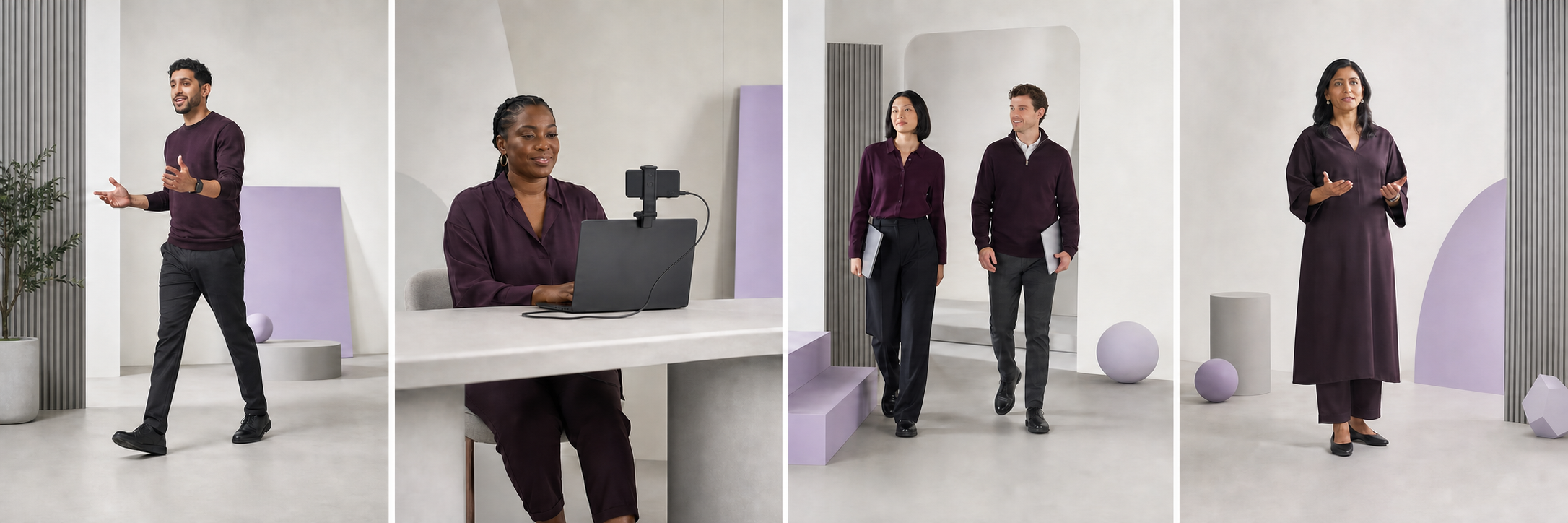
Storyboard showing PEEKin Cam adapting the frame as several people move

One. Two. Three. The whole crew. PEEKin keeps everyone in frame as the group moves.

Your camera. Your choice.

Use the camera that fits the room.

PEEKin is made for the Mac, not one camera accessory.

A maker broadcasting from a MacBook with a motorised camera and a USB webcam.
Motorised cameras.Let PEEKin direct the frame.
A cook presenting beside a purple iMac and connected USB webcam.
USB webcams.Use the Mac setup you already have.
A 3D creator using a dual-lens stereo camera with a Mac mini and side-by-side preview.
3D cameras.Carry a compatible side-by-side view.
Built-in and USB. Use a Mac camera, a standard webcam, an OBSBOT camera or another compatible source macOS recognises. 3D cameras. PEEKin can carry the side-by-side frame supplied by a compatible dual-lens stereo UVC camera. 4K when supported. Pro opens higher-resolution choices when the camera and complete setup can provide them. Ready for your video app. Start the shot, then choose PEEKin Camera in a supported Mac video app.
PEEKin Lens for iPhone.

Choose the lens. Or let the shot choose.

PEEKin Lens is the free iPhone companion inside PEEKin. Connect over local Wi-Fi or USB.

Apple's official close-up of the iPhone 17 Pro rear camera plateau with three lenses, flash, microphone and LiDAR scanner.
One iPhone.Lock one lens.
Or allow the switch.
You choose the allowed lenses. Keep one physical lens locked, or leave it on Auto so Follow can switch among the lenses you allow. True 4K when supported. Capture up to 3840 × 2160 when the iPhone, connection and complete setup can deliver it.

Physical-lens availability and behaviour depend on the iPhone model and complete setup.

Privacy, with a wink.

Keep the performance. Lose the face.

Some streams deserve a little mystery.

Face Privacy Blur.

Pick how much to hide. Then shape it.

Start with Eyes, Eyes + Nose, Eyes + Nose + Mouth or Full Face. Move the blur up or down. Change its thickness. Reset in one click.

Full Face follows the detected face outline. Privacy Framing follows the body while keeping the crop below the chin.

Privacy results can vary by scene. Check your output before going live.

Eyes.Keep it minimal.
Eyes + Nose.Hide the upper face.
Eyes + Nose + Mouth.Hide the main features.
Full Face.Follow the face outline.
Start with the camera you have

A better shot starts free.

Download PEEKin Basic free. Try Pro for 7 days with no card. Keep Pro for $29.99 once.

Get PEEKin