Pan and zoom on your devices.
PEEKin decides where the shot goes locally.
PEEKin frames, follows and blurs on your Apple devices. No cloud AI needs to watch the room or decide the shot.
Clear boundary: framing, tracking and privacy effects are computed locally. Downloads, licence services and updates use the internet.
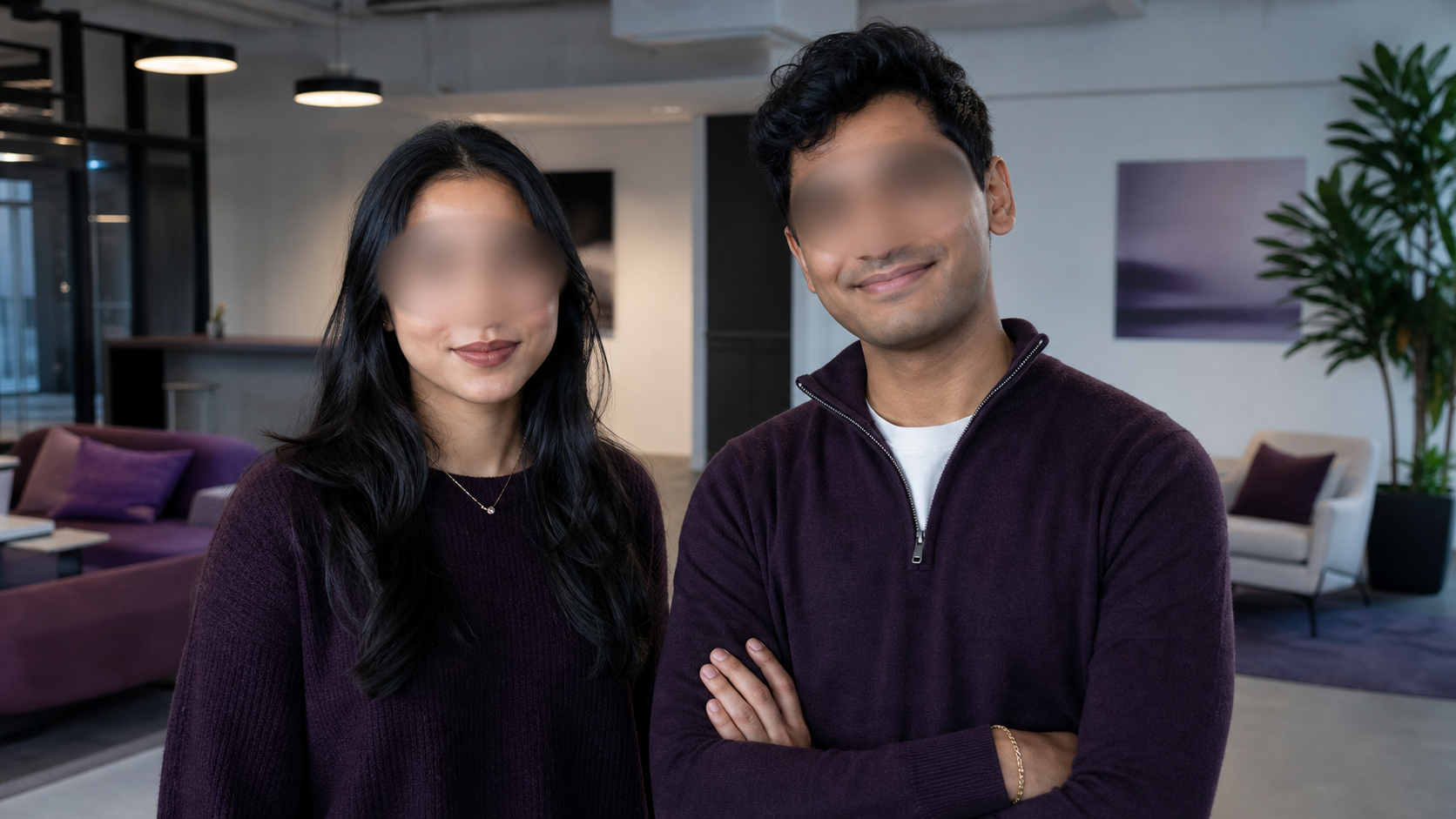
PEEKin does not wait for a cloud vision service before the frame moves.
PEEKin decides where the shot goes locally.
Face blur and Privacy Framing are applied to the protected camera output.
PEEKin Lens pairs over local Wi-Fi or USB.
Four blur choices. Your position. Your thickness. Or keep the body in shot while the face stays out.
Start with four presets. Move the blur up or down. Make it thicker. Reset whenever you want.
Full Face follows the detected face outline. Privacy Framing follows the body while keeping the crop below the chin.
An internet connection is used to download PEEKin, check a trial or licence, open secure checkout and receive updates.
The app and its updates come from Sloth Precision services.
PEEKin checks your Basic, Trial or Pro access.
Purchase information is handled by the approved checkout service.
Basic is free. Try every Pro feature for 7 days. Pro is $29.99 once.